Booking system for kids' classes and clubs
With children's classes, it's usually a parent who books. In Zenamu, parents add their children to their own account once and pick the child each time they book. The child's name appears on the order, the confirmation and the receipt, and your attendee list shows which child is coming.
Bookings for children come with the Expert plan, at $42 a month excluding tax. Zenamu doesn't move children up to the next level automatically; you decide that.
What a booking system for kids' classes needs to do
Every child in the parent's account
First, bookings for a particular child. Many families have two or three children in different classes. If your register only shows the parent's name, you don't know on the day who is standing in front of you. In Zenamu, parents add each child with first name, surname and date of birth, with an optional note about allergies or health conditions, and choose the child when they book.
Children-only and family classes
Then the question of who can book. A children's gymnastics class takes bookings for children only, while a family class also takes adults booking for themselves. For every class, course and workshop you decide whether bookings must be for a child or adults can book too. For 1:1 appointments, such as a private swimming lesson, you mark the service as one for children.
One enrolment for the whole term
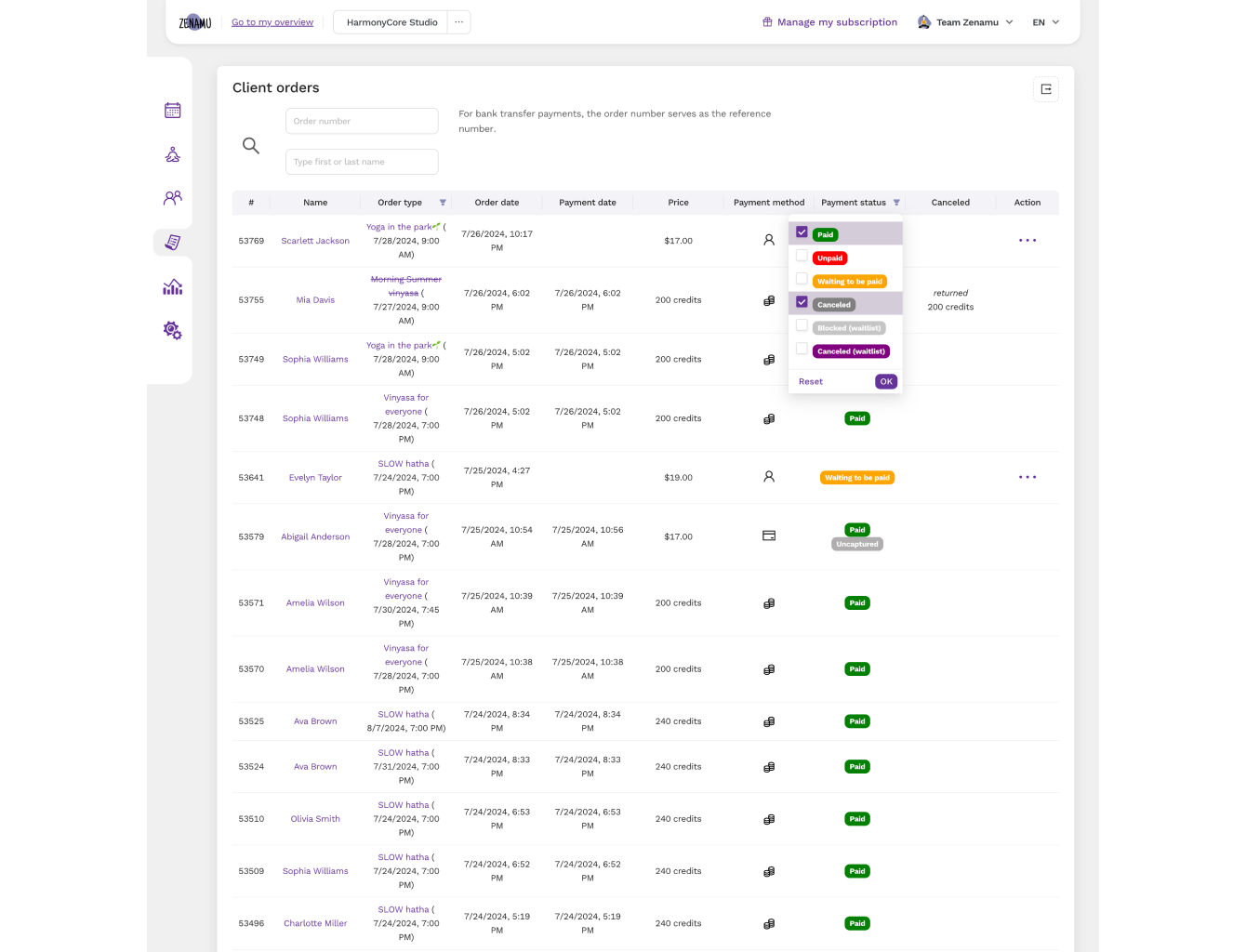
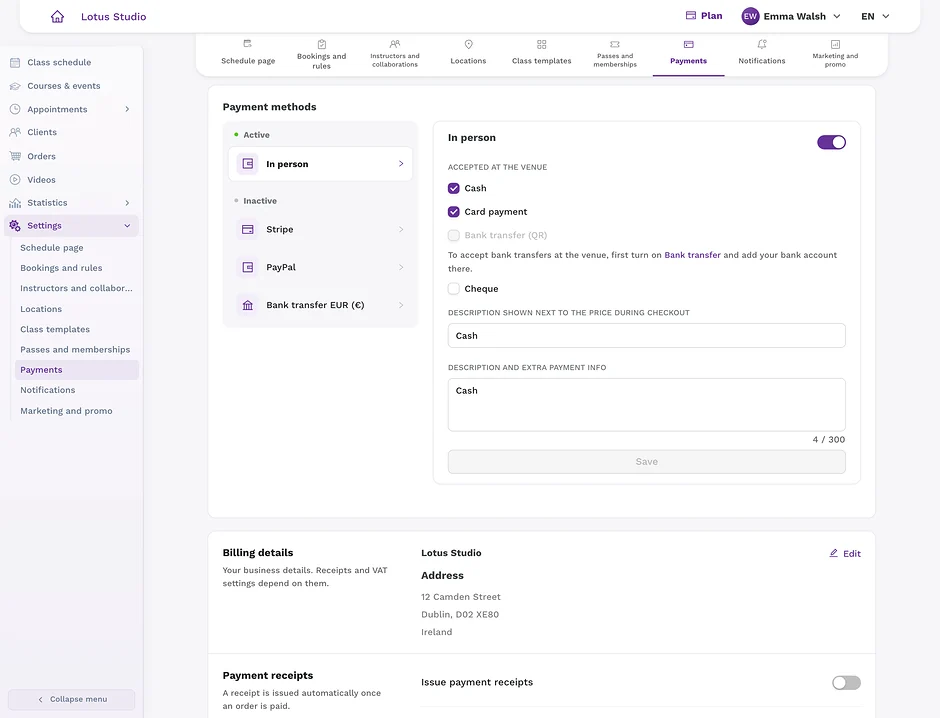
Many swim schools, dance schools, sports and art clubs sell places by the term or in blocks of weeks. Parents enrol their child once and pay before the first session; otherwise you end up with children in the class whose fees never arrive. The system should accept card payments, bank transfers and payments in person side by side and show what is still unpaid for each child.
Make-up sessions and free places
And children get ill. A child whose parent cancels a session in time should be able to make it up without you keeping lists. When a class is full, a waitlist should hand a freed place to the next family. When too few children sign up for a class or workshop, a minimum number helps: if it isn't reached, the system cancels the session in good time and lets every parent know.
How a kids' course runs in Zenamu
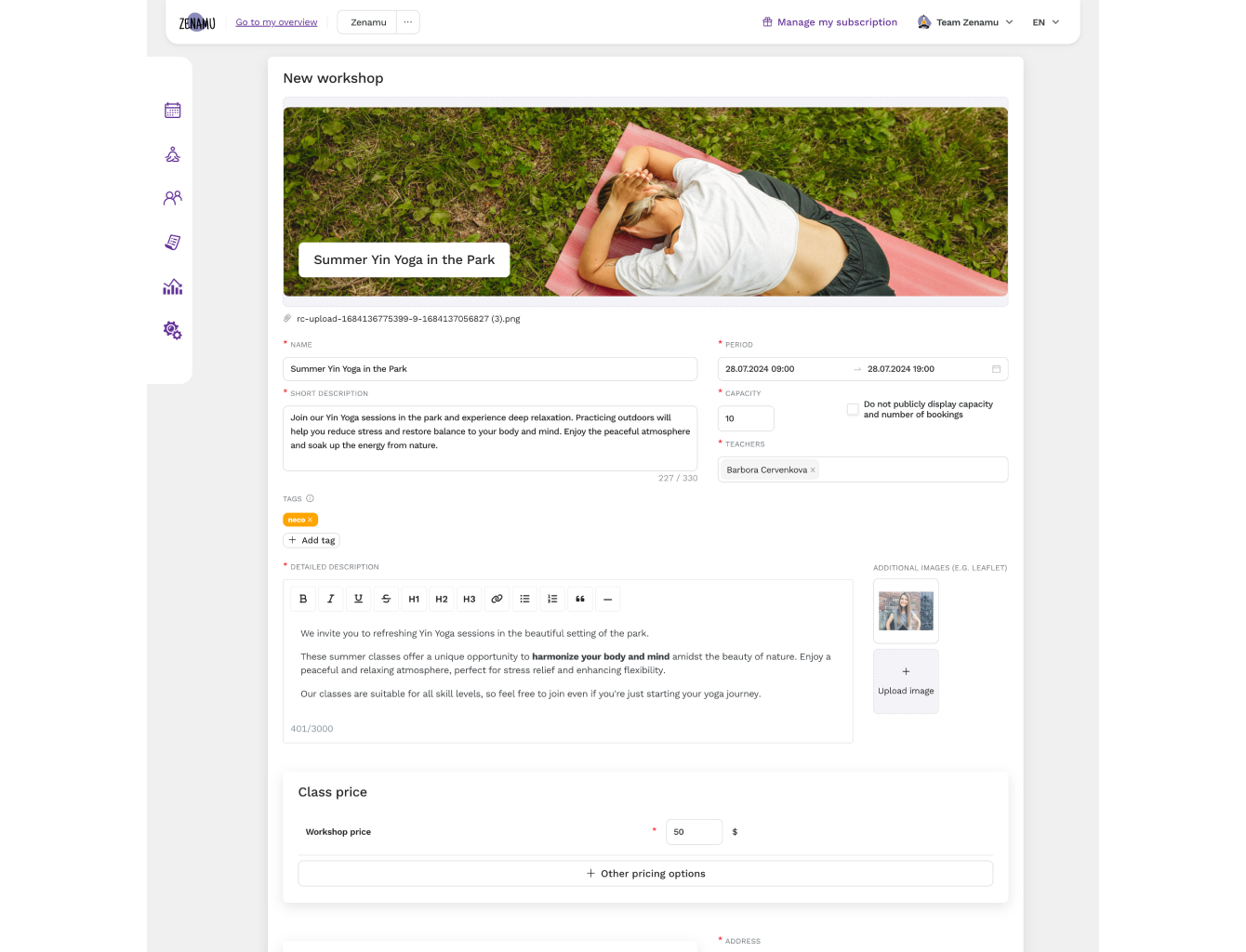
- Set up the course Create the course, class or workshop, set the capacity and price, and switch on bookings for children: either children only, or children and adults.
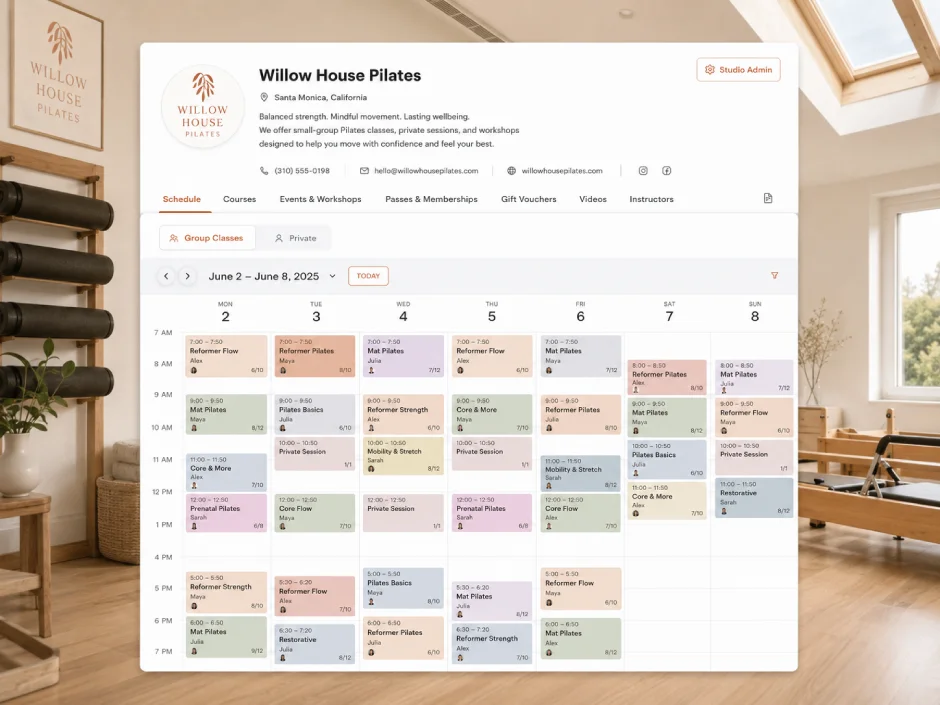
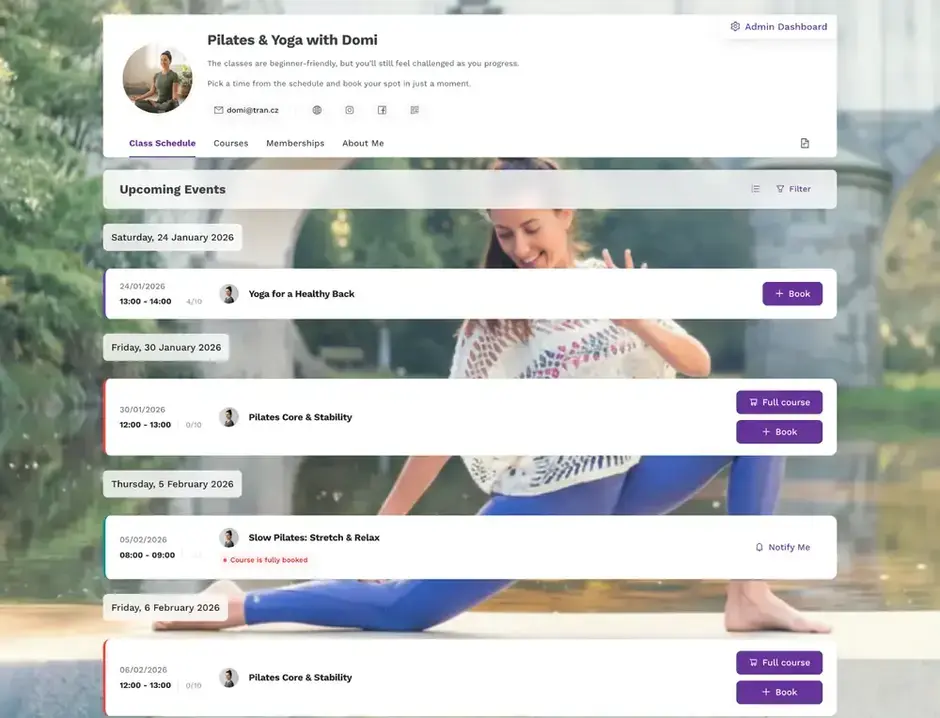
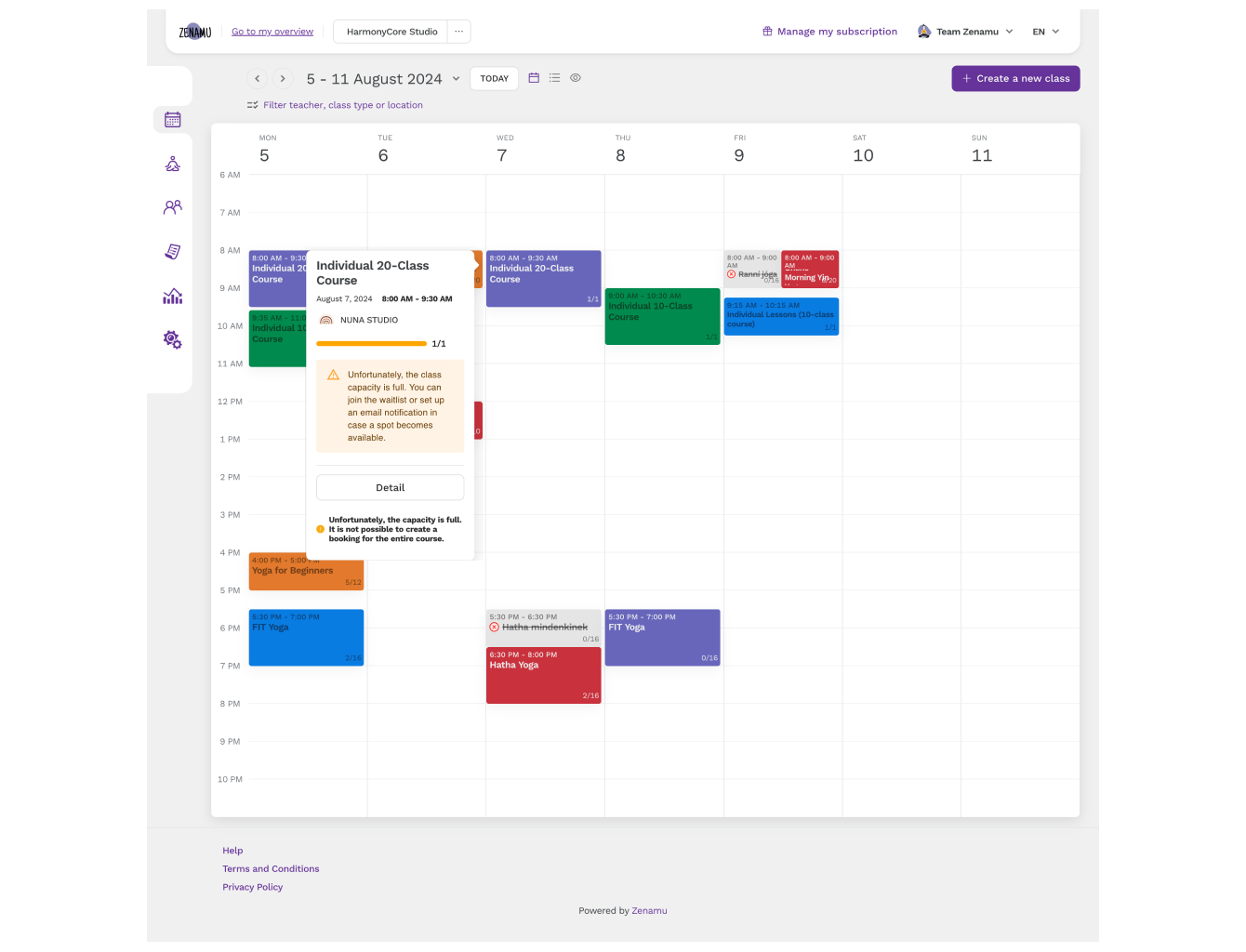
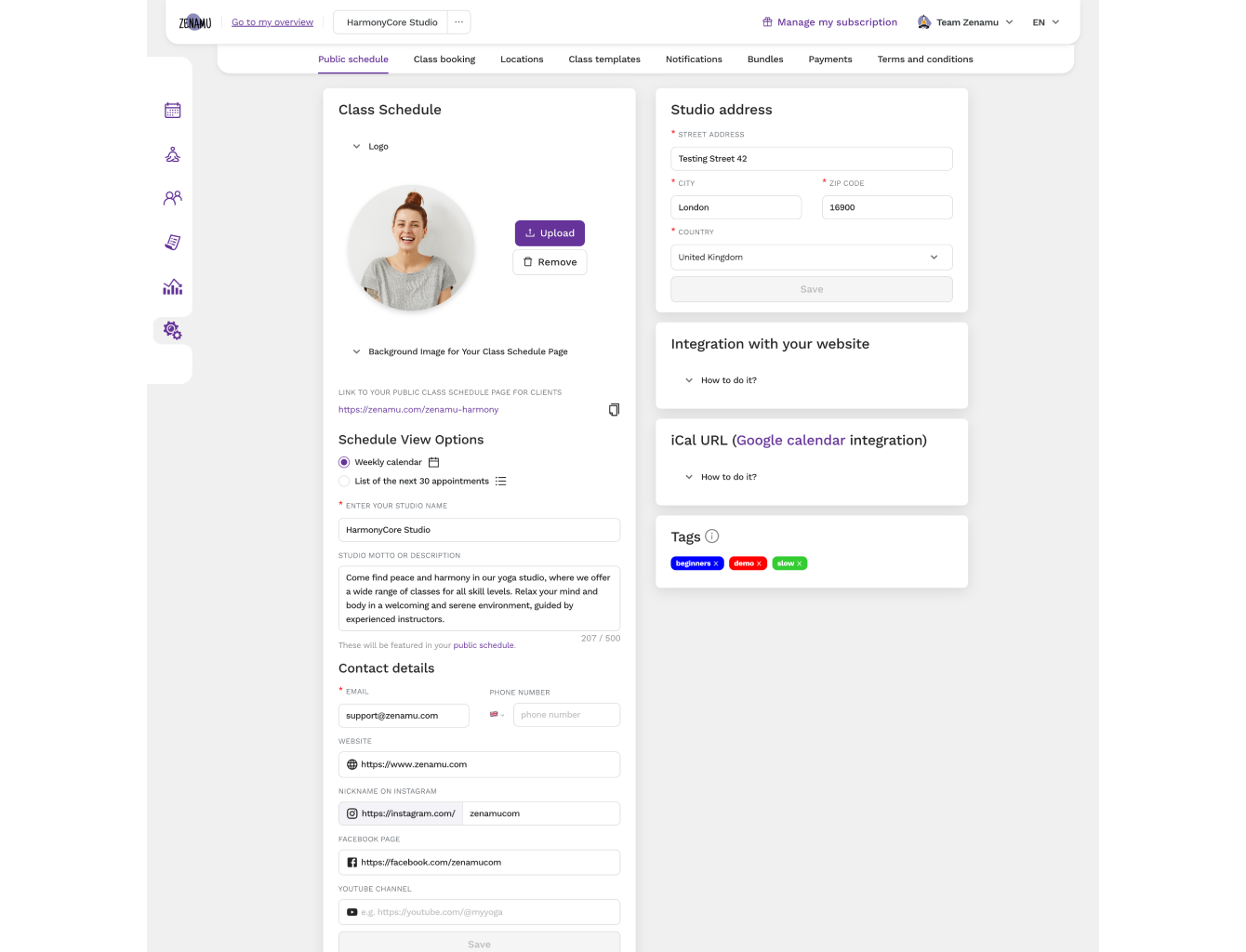
- Share the booking page Send the link to your booking page in your messages to parents and put it on your website, or embed the timetable there as a widget.
- Pick the child and book Parents log in, add their child once and choose the child each time they book. For children-only offers, parents without an account enter the child's details right in the booking form.
- Pay By card through Stripe, with PayPal, by bank transfer, with a class pass, with credit or in person. Card and PayPal payments go straight to your own account; you mark bank transfers as paid once the money arrives.
- On the day The attendee list on your phone shows the children's names. Mark attendance with a tap, and send changes to all parents on a course as a message.
Features that help week to week
Booking for a particular child
Courses and workshops
Make-up sessions and group changes
Waitlist and minimum numbers
Payments
Booking page, widgets and web app
What it costs
Bookings for children come with the Expert and Ultimate plans, and prices exclude tax. Expert costs $42 a month or $462 a year and covers up to 500 orders a month. Enrolling a child on a whole course counts as one order, however many sessions it has. Expert also includes waitlists, make-up rules for each course, automatic cancellation of underfilled classes and unlimited instructor accounts. Ultimate costs $79 a month or $869 a year, with no limit on orders or courses, and is the plan for memberships that renew and charge automatically. Enterprise is available on request.
There is no setup fee. On Expert and Ultimate, Zenamu takes nothing from payments; you only pay the Stripe or PayPal fee, and bank transfers and payments in person cost nothing. New accounts get 14 days of every feature without a card. After that, the account moves to the Free plan, which has no bookings for children, no bookable courses and no workshops. Compare all plans on the pricing page.
Who Zenamu suits and who it doesn't
Zenamu suits anyone who teaches children in courses and drop-in classes: swim schools, gymnastics and sports clubs, dance schools with children's classes, music schools and art clubs. It also works when you run classes for children and adults side by side, as both sit in the same timetable. If you are comparing options, our comparison of booking systems for UK studios puts eight tools side by side, and our ClassForKids comparison covers the booking system built only for children's clubs.
Some things Zenamu doesn't do. It doesn't check age limits at booking, it has no marketplace where new families find you, and you still build your own website. Nor is it club management software for running sections and collecting annual membership fees. When you switch, the migration guide explains which client data we move across for you.
Try it for 14 days, then decide
Create an account, add your first kids' course and book it yourself as a parent with a second email address. You don't need a card.
Questions about booking systems for kids' classes
Which booking system works for kids' classes and clubs?
One where parents book for a particular child, not just in their own name. You also need courses that parents pay for before the first session, make-up sessions when a parent cancels in time, and a register that shows which child is coming. Zenamu has bookings for children from the Expert plan at $42 a month excluding tax, together with make-up rules for each course and waitlists for full classes.
How do parents book and pay for a term online?
Parents open your booking page or the timetable on your website, choose the course and pick the child they are booking for. They pay by card through Stripe, with PayPal, by bank transfer or in person, depending on which payment methods you switch on. The confirmation email names the child, and a whole-term enrolment is one order however many sessions the course has.
Can parents manage several children in one account?
Yes. Parents add each child once, with first name, surname and date of birth, and choose the child when they book. They book siblings on different courses from the same account.
What happens when a child is ill and misses a session?
If the parent cancels a course session in time, the child gets a make-up session to use in another class. From the Expert plan you decide for each course how many make-up sessions a child can have and how long they stay valid.
Can I keep a waitlist for a full class?
Yes, from the Expert plan. When a place in a full class opens up, Zenamu books the first family on the waitlist automatically and tells them by email. In a course, the waitlist works for single sessions if you also sell sessions one at a time; there is no waitlist for a whole course.
How does a child move up to the next level or group?
You decide, not the system. Set up the next level as its own course and send parents the link. If a child changes group in the middle of a term, move their enrolment to the other course; if the new course has fewer sessions left, Zenamu warns you, and you can adjust the price if you need to. If no other course fits, give the child a make-up session instead.
What details about the child does Zenamu store?
First name, surname and date of birth are required. Gender and a note, for example about allergies or health conditions, are optional. You see the children under each parent in your client list and in the attendee list for every session.
What does a booking system for kids' classes cost?
Bookings for children come with the Expert and Ultimate plans. Expert costs $42 a month or $462 a year, excluding tax, and covers up to 500 orders a month. Ultimate costs $79 a month or $869 a year, with no limit on orders; Enterprise is available on request. On both plans Zenamu takes nothing from payments, so you only pay the Stripe or PayPal fee. There is no setup fee.
Can I switch to Zenamu from another system?
Yes. Send us an export of your client list and, on a paid plan, we'll import your clients with their remaining passes and credit for free. Order history, past bookings and the timetable aren't transferred. The easiest time to switch is between terms, when you're setting up new courses anyway.

Got questions? Check our help center.
Over 200 articles with guides and step-by-step instructions.
Visit help center