Your online booking calendar
Your booking calendar is often the first thing clients see, so it should look the part. Zenamu gives you a clean, professional design that fits your brand and keeps day-to-day management simple.
Upload your logo, pick a background image, and set your brand colors. Whether you teach yoga, dance, or fitness, your calendar will feel like yours.
A clean booking page clients can reach anytime. Drop the link on your website, Instagram, or wherever your clients find you.
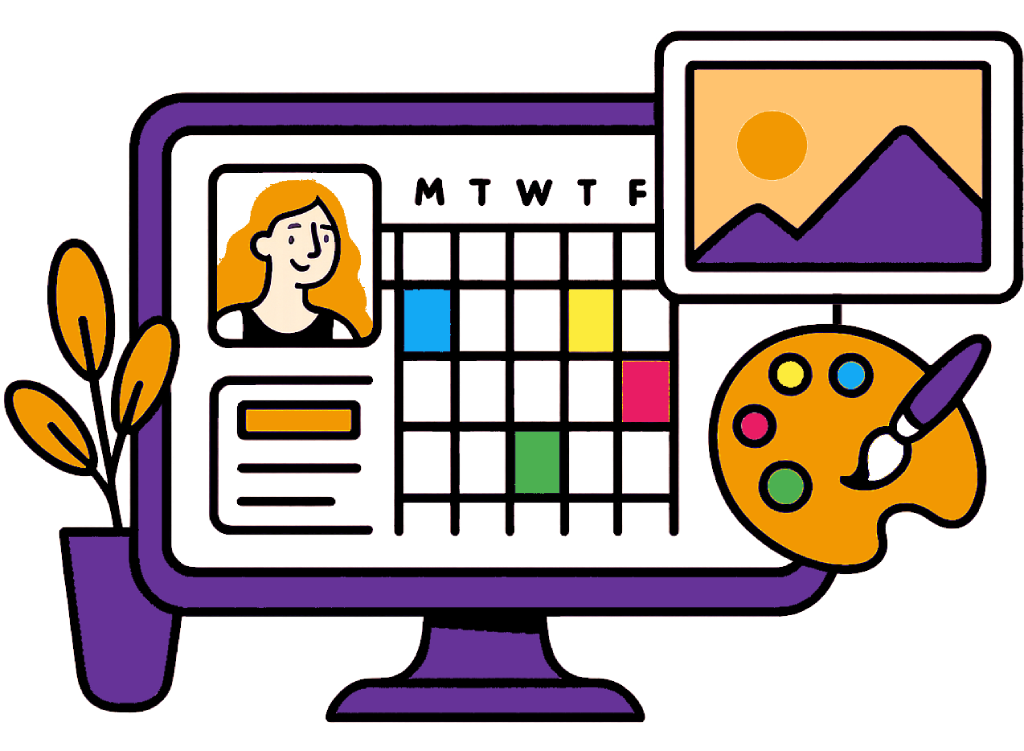
Your booking page, ready to share
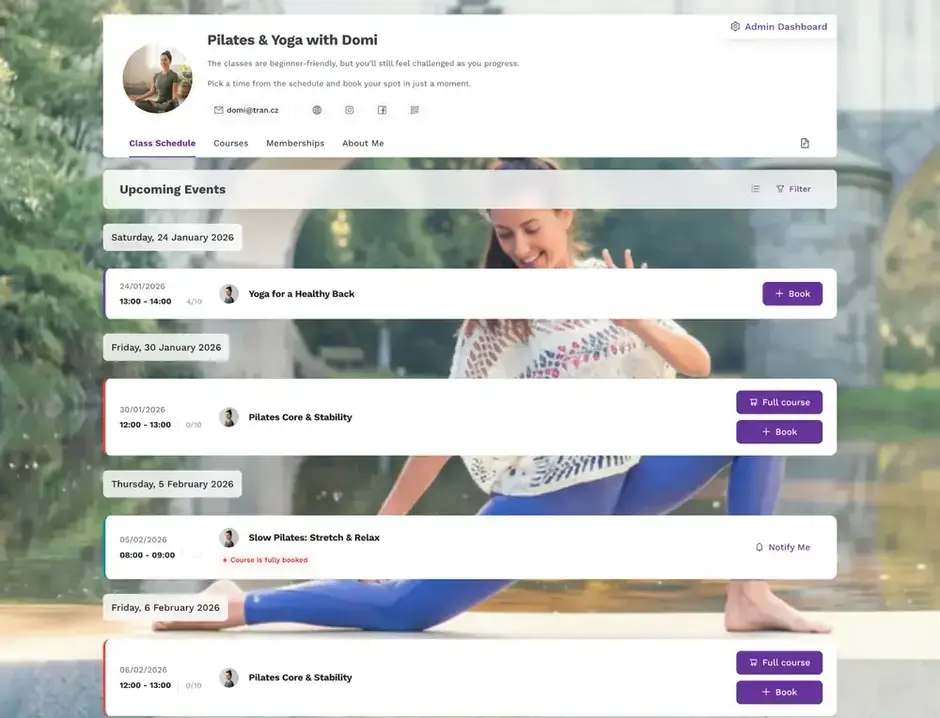
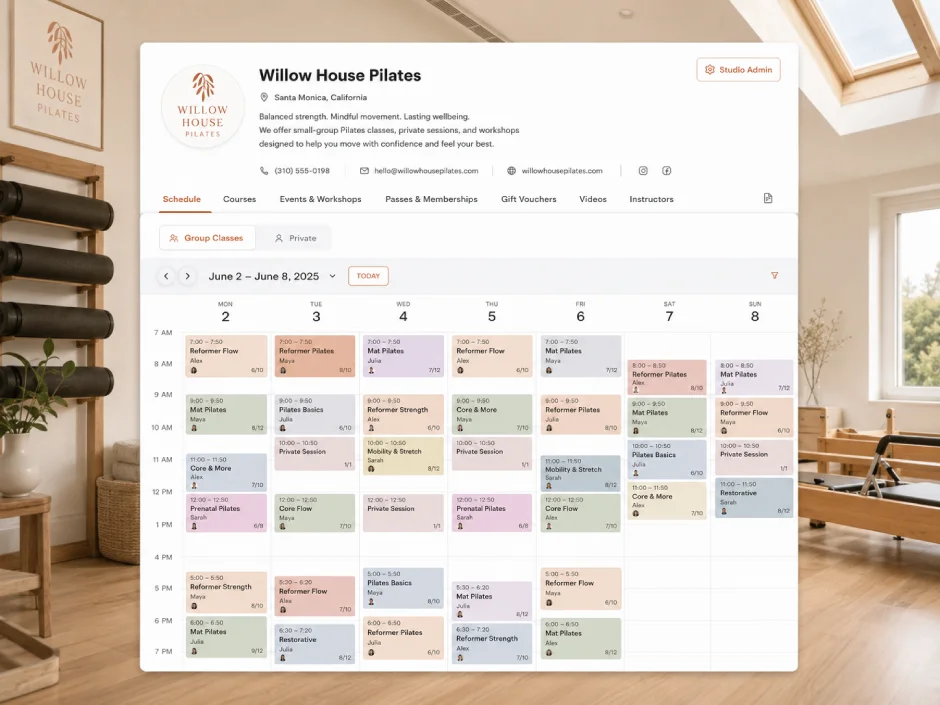
Your public schedule is the page your clients actually use to book. It is live the moment you sign up, it looks like your studio, and it works in your client's language on their phone.
No website needed
Every studio gets a ready-made booking page at its own Zenamu address, so you can take bookings before you have a website at all.
Share a link or a QR code
Put one link in your Instagram bio, your emails, and your newsletter, or print the QR code on a flyer or your studio door, and clients book straight from it.

Looks like your studio
Add your logo, a background image, your studio name and links, and your own booking-button color, so the page feels like part of your brand rather than a generic tool.

Speaks your client's language
The booking page switches to each visitor's browser language automatically, across 15+ languages, so clients book in the language they think in.
Built for the phone
Clean calendar and list views, live spots-left counts, and a layout that works on any screen mean booking takes just a couple of taps.
You decide what shows
Hide a class, course, or instructor while you prepare it, and show a canceled session with a clear strikethrough so no one turns up to a class that is not running.

Post announcements clients won't miss
Pin a notice to your page for a holiday, a schedule change, or a new course, with an optional popup, so the message reaches clients who skip your emails.

Everything bookable in one place
Classes, courses, workshops, and 1:1 appointments all live on the same page, with live spots-left counts on every group session.
Already have a website? Embed the same schedule into it with a booking widget.
See how it looks
Browse through Zenamu in action. Each slide shows a different part of the app – from the calendar to order management.
Website integration plugins
Already have a website? Embed your live schedule right into it. Works with WordPress, Wix, Squarespace, and most other platforms.
Try the online booking system for free
Match your booking calendar to your website. Start for free today.









Public booking page FAQ
Do I need a website to take bookings?
No. Every Zenamu studio gets a public booking page at its own address from day one, so clients can browse your schedule and book before you have a website at all. When you do have one, you can embed the same schedule into it.
How do clients find my booking page?
You share one link or a QR code. Put the link in your Instagram bio, your emails, and your newsletter, and print the QR code on flyers or your studio door, so clients book straight from it.
Can I make the page match my brand?
Yes. You can add your logo, a background image, your studio name and contact details, and set your own booking-button color, so the page looks like part of your studio rather than a generic tool.
Does the booking page work in other languages?
Yes. The page automatically switches to each visitor's browser language across 15+ languages, so clients book in the language they prefer, and they can also switch it by hand.
Can I hide a class or an instructor from the public page?
Yes. You can hide a class, course, workshop, or instructor while you prepare it, and a canceled session can be shown with a strikethrough so clients know it is not running.
What can clients book from the page?
Everything you offer: drop-in classes, multi-session courses, workshops and events, and 1:1 appointments, all from the same page, with live spots-left counts.
Got questions? Check our help center.
Over 200 articles with guides and step-by-step instructions.
Visit help center